Convert ODS to XLSX
ODS is the open spreadsheet format used by free office suites and many public institutions. When a colleague or client needs XLSX instead, convert it here and keep sheets, formulas and formatting as they were.
- Your file never leaves your device
- Free
- No sign-up
How to convert ODS to XLSX
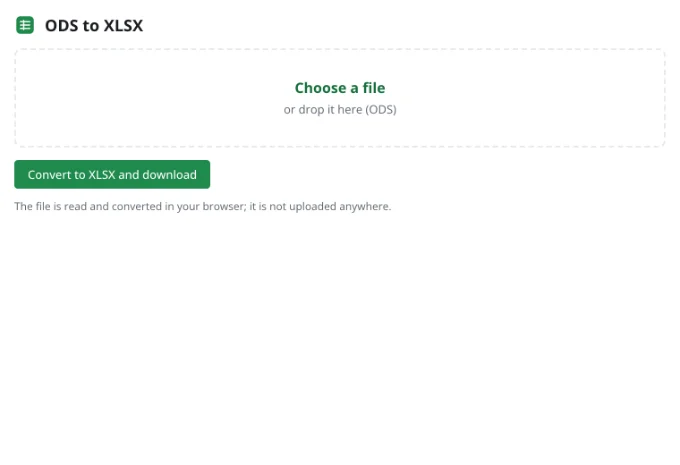
1Add the ODS file
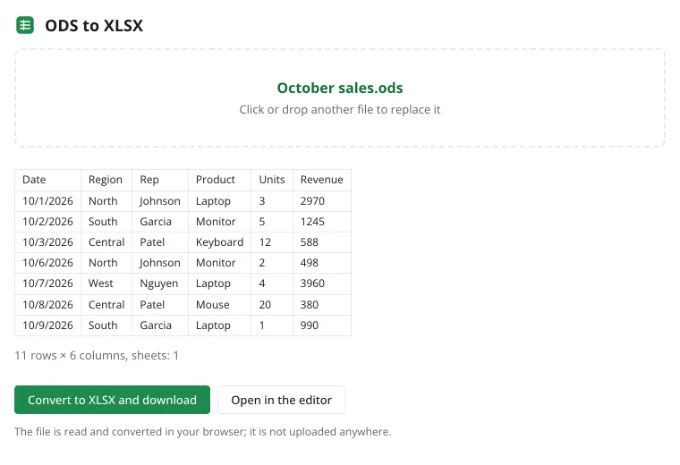
It opens in your browser and the first rows of the active sheet appear in the preview.
2Convert
All sheets, formulas, number formats and styles are written into an XLSX workbook.
3Share it
Open the result in any app that reads XLSX, on desktop, mobile or the web.
What carries over
Formulas are translated from OpenFormula into standard A1 syntax, including references to other sheets. Number formats such as currencies and dates are rewritten as XLSX format codes, while cell styles, merges, column widths and row heights stay put.
Where an ODS feature has no XLSX equivalent, the values it produced are kept so the sheet still reads the same.
Frequently asked questions
Is my file uploaded anywhere?
No. The spreadsheet is read and written by your browser, on your device. It only reaches Zotu's servers if you choose to save it to your cloud from the full editor.
Do I need an account or a subscription?
No. The tool is free and needs no sign-up. An account only adds cloud storage, so your workbooks follow you between devices and save themselves.
Do formulas keep working?
Yes. They are converted to XLSX syntax and recalculate as usual.
And the other way round?
Use the XLSX to ODS converter linked below.
What about .fods files?
Flat ODS is not supported yet. Save it as a regular .ods first, then convert it here.
More tools
- Convert CSV to XLSX onlineConvert CSV to XLSX in your browser.
- Convert XLSX to CSVExport a sheet from an XLSX workbook to CSV with a comma, semicolon or tab delimiter.
- Convert a spreadsheet to PDFTurn an XLSX, ODS or CSV spreadsheet into a PDF with proper page breaks, headers, footers and charts — just like printing.
- Convert XLSX to ODSSave an XLSX workbook as an OpenDocument spreadsheet (ODS) with all sheets, formulas, number formats and styling.
- Convert a spreadsheet to an HTML tableTurn a sheet from XLSX, ODS or CSV into a styled HTML table with fonts, colors, borders and merged cells — ready for websites, wikis and emails.
- Convert TSV to XLSXConvert TSV files or tab-separated text to XLSX: columns line up, numbers and dates are recognized, and any language's characters read correctly.
- Open an XLSX file onlineOpen XLSX, ODS or CSV files online and edit them right away: formulas, filters and charts work.
- Edit CSV files onlineEdit CSV files online in a real grid: sort, filter, find and replace, remove duplicates and split columns, then save back to CSV without breaking quotes.