Convert a spreadsheet to PDF
When a table only needs to be read or printed — an invoice, a price list, a report, a timetable — PDF is the safest way to send it. This tool lays the sheet out on pages exactly as printing would and saves them as one document.
- Your file never leaves your device
- Free
- No sign-up
How to save a spreadsheet as PDF
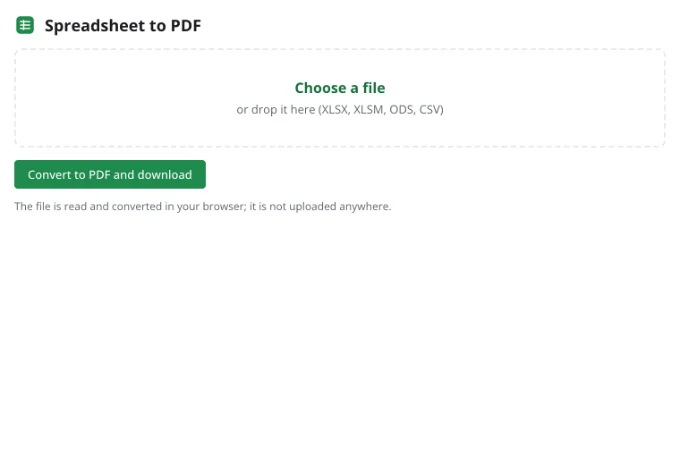
1Pick the file
XLSX, XLSM, ODS and CSV are supported. The workbook opens in your browser; no server touches it.
2Select what to include
The active sheet is used by default. Choose All sheets to collect the whole workbook into a single PDF.
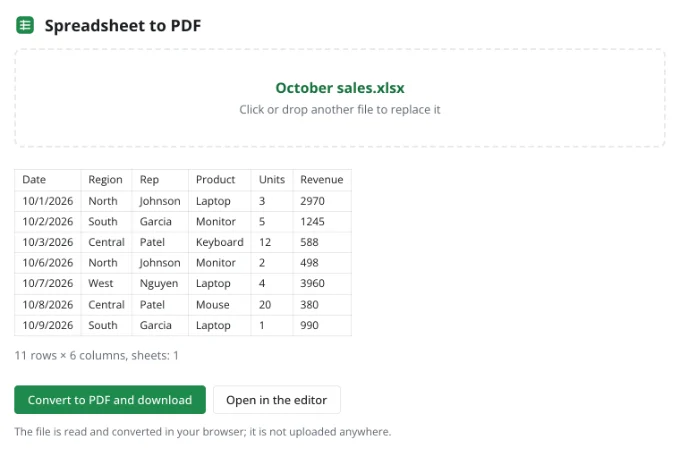
3Download the PDF
Pages are numbered at the bottom, charts and pictures sit where they belong, and column widths match the sheet.
How pages are laid out
Page settings stored in the file — orientation, margins, scaling, print area, rows to repeat and manual breaks — are honored, so a workbook prepared for printing elsewhere comes out the same here.
Without settings, Letter paper with standard margins is used. A wide sheet continues across pages column-first, then row by row. To squeeze every column onto one page, open the file in the editor and choose Fit all columns on one page in the print dialog.
What ends up on the page
Values and styling
Fonts, fills, borders, number and date formats, merged cells and wrapped text.
Charts and pictures
Charts are redrawn from their data; images and shapes keep their positions.
Headers and footers
The file's own headers and footers, or a page number when there are none.
Conditional formats
Color scales, data bars and icon sets print just as they look on screen.
When to use the full print dialog
For fine control, open the file in the editor and choose File → Print. The preview lets you change margins, scale and orientation, print just a selection, and repeat header rows on every page.
Frequently asked questions
Is my file uploaded anywhere?
No. The spreadsheet is read and written by your browser, on your device. It only reaches Zotu's servers if you choose to save it to your cloud from the full editor.
Do I need an account or a subscription?
No. The tool is free and needs no sign-up. An account only adds cloud storage, so your workbooks follow you between devices and save themselves.
Why is my table split across pages?
It is wider than the paper. Lower the scale or switch to landscape in the editor under Page layout → Page setup.
Can I print only part of a sheet?
Yes. Set a print area in the editor, or select a range and choose Selection in the print dialog.
Can the PDF show formulas instead of results?
Turn on Show formulas (Ctrl+`) in the editor and save the PDF from the print dialog.
Are charts included?
Yes. Charts, pictures and shapes are placed in the PDF with the cells around them.
More tools
- Convert CSV to XLSX onlineConvert CSV to XLSX in your browser.
- Convert XLSX to CSVExport a sheet from an XLSX workbook to CSV with a comma, semicolon or tab delimiter.
- Convert ODS to XLSXConvert OpenDocument spreadsheets (ODS) to XLSX with sheets, formulas, number formats and styling intact.
- Convert XLSX to ODSSave an XLSX workbook as an OpenDocument spreadsheet (ODS) with all sheets, formulas, number formats and styling.
- Convert a spreadsheet to an HTML tableTurn a sheet from XLSX, ODS or CSV into a styled HTML table with fonts, colors, borders and merged cells — ready for websites, wikis and emails.
- Convert TSV to XLSXConvert TSV files or tab-separated text to XLSX: columns line up, numbers and dates are recognized, and any language's characters read correctly.
- Open an XLSX file onlineOpen XLSX, ODS or CSV files online and edit them right away: formulas, filters and charts work.
- Edit CSV files onlineEdit CSV files online in a real grid: sort, filter, find and replace, remove duplicates and split columns, then save back to CSV without breaking quotes.